Your Attessa amplifier can be used to play sound from your TV, games console or media player to your speakers.
NOTE: Attessa amplifiers support 2.0 stereo only.
Depending on what your TV, games console or media player supports, you can connect using Analogue RCA, Digital Coaxial or Digital Optical.
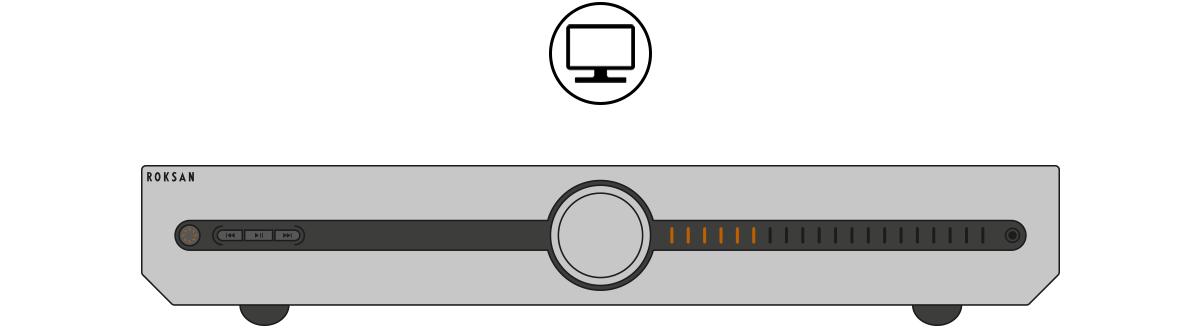
- Connect the cable to the chosen input on the back of your Attessa amplifier to the audio output on your TV, games console or media player.
- On your TV, games console or media player, change the setting to output audio via Analogue RCA, Digital Coaxial or Digital Optical. For more information, refer to the product manual.
- Use the SOURCE button on your Attessa remote or use the control dial to select the output. You can even customise the input’s icon using the MaestroUnite app.
If you were unable to find an answer to your query or require any further assistance, please contact our technical team via email at technical@monitoraudio.group or give us a call on +44 1268 740580.
Was this article helpful?
That’s Great!
Thank you for your feedback
Sorry! We couldn't be helpful
Thank you for your feedback
Feedback sent
We appreciate your effort and will try to fix the article