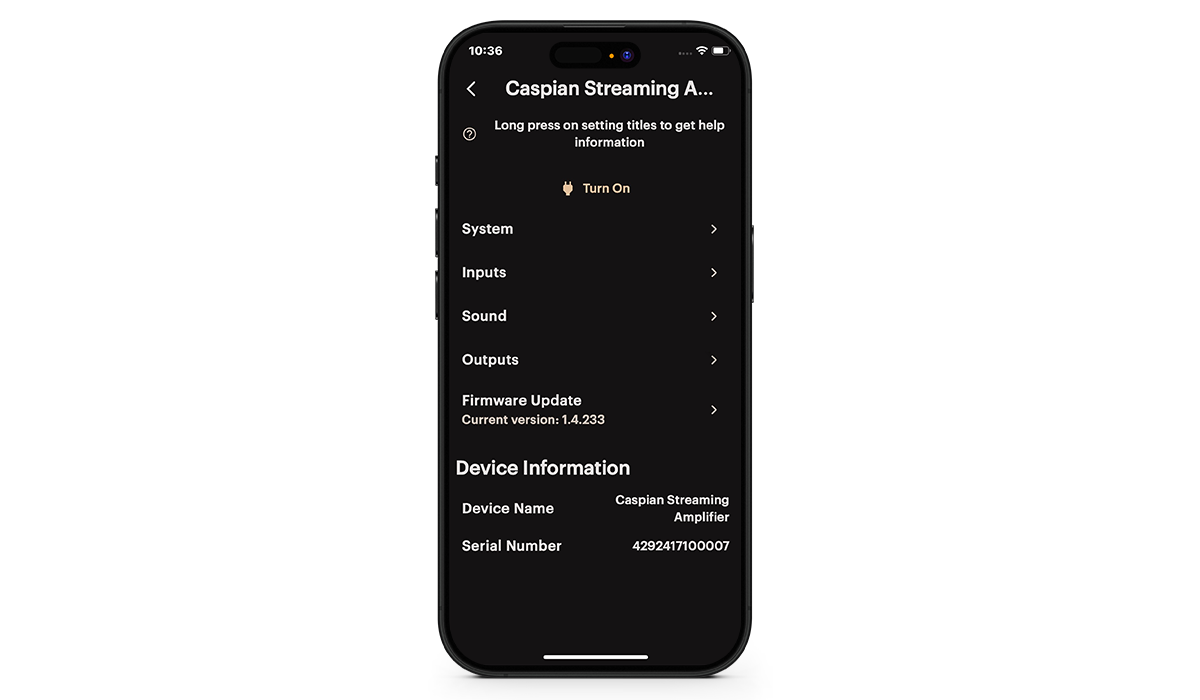
You can add an active subwoofer to your Caspian Amplifier using the RCA subwoofer outputs (Pre Out 3) to create a 2.1 system. You’ll need to use the MaestroUnite app to configure your system.

1. In MaestroUnite, under “Outputs”, select “Mode” and change it to Stereo + Sub (2.1).
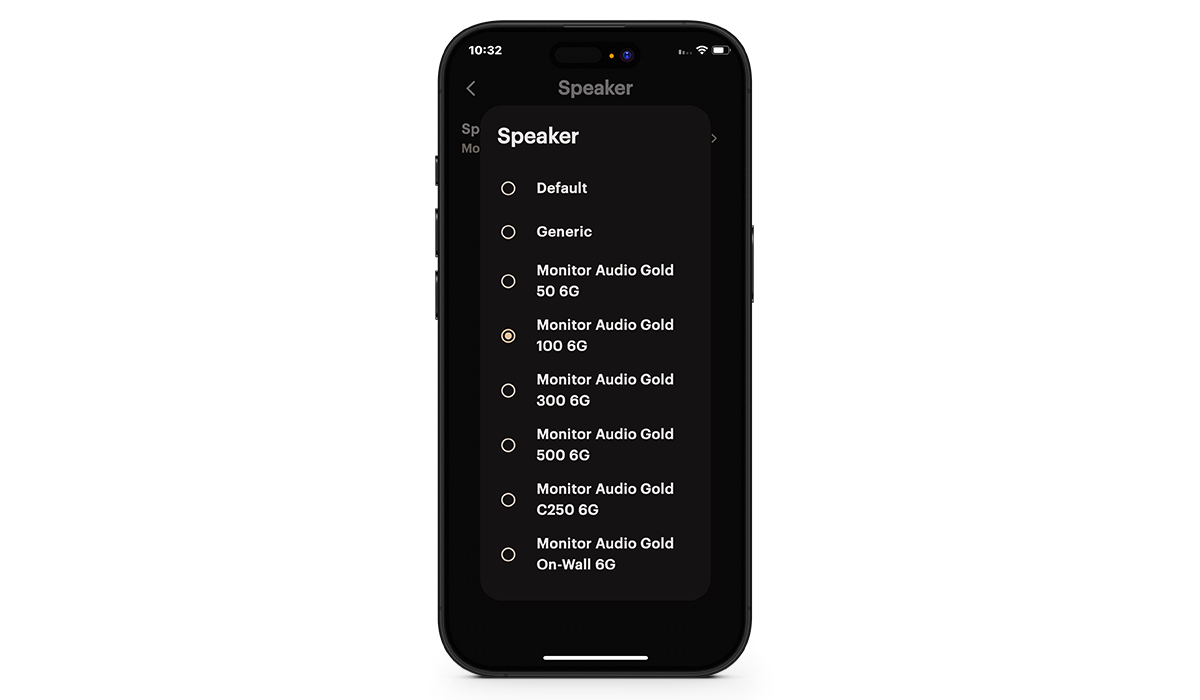
2. If using Monitor Audio loudspeakers, touch on the “Speaker” option and select your loudspeakers from the drop down list. If your speakers aren’t in the lest, just select “Generic” and then the impedance and power rating of the speakers.
3. If you want the bass to be handled by just the subwoofer, turn on “Crossover High Pass” and set it to the required frequency.
We would recommend experimenting with this option as not all rooms and personal tastes will be the same.
4. Turn on the “Crossover Low Pass” to enable the customisation of the Subwoofer output.
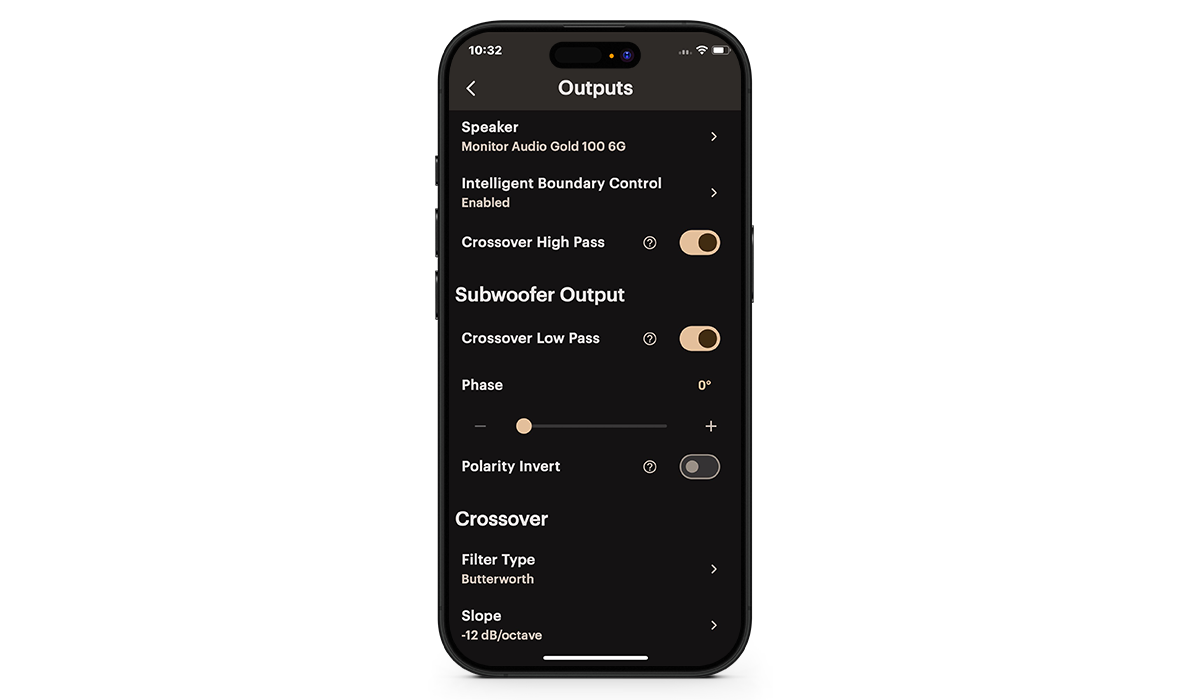
5. Select the Crossover type, slope and frequency for your room and tastes.
This will again require some experimentation to getting it sounding to your taste.
If you were unable to find an answer to your query or require any further assistance, please contact our technical team via email at technical@monitoraudio.group or give us a call on +44 1268 740580.
Was this article helpful?
That’s Great!
Thank you for your feedback
Sorry! We couldn't be helpful
Thank you for your feedback
Feedback sent
We appreciate your effort and will try to fix the article